Online learning
Screen Time and Online School: Finding a Healthy Balance
When school happens on a screen, how do you keep the rest of the day healthy? Practical ways to tell good screen time from empty screen time, and to protect sleep, movement and play.
By Legacy Arrows Academy · · 5 min read
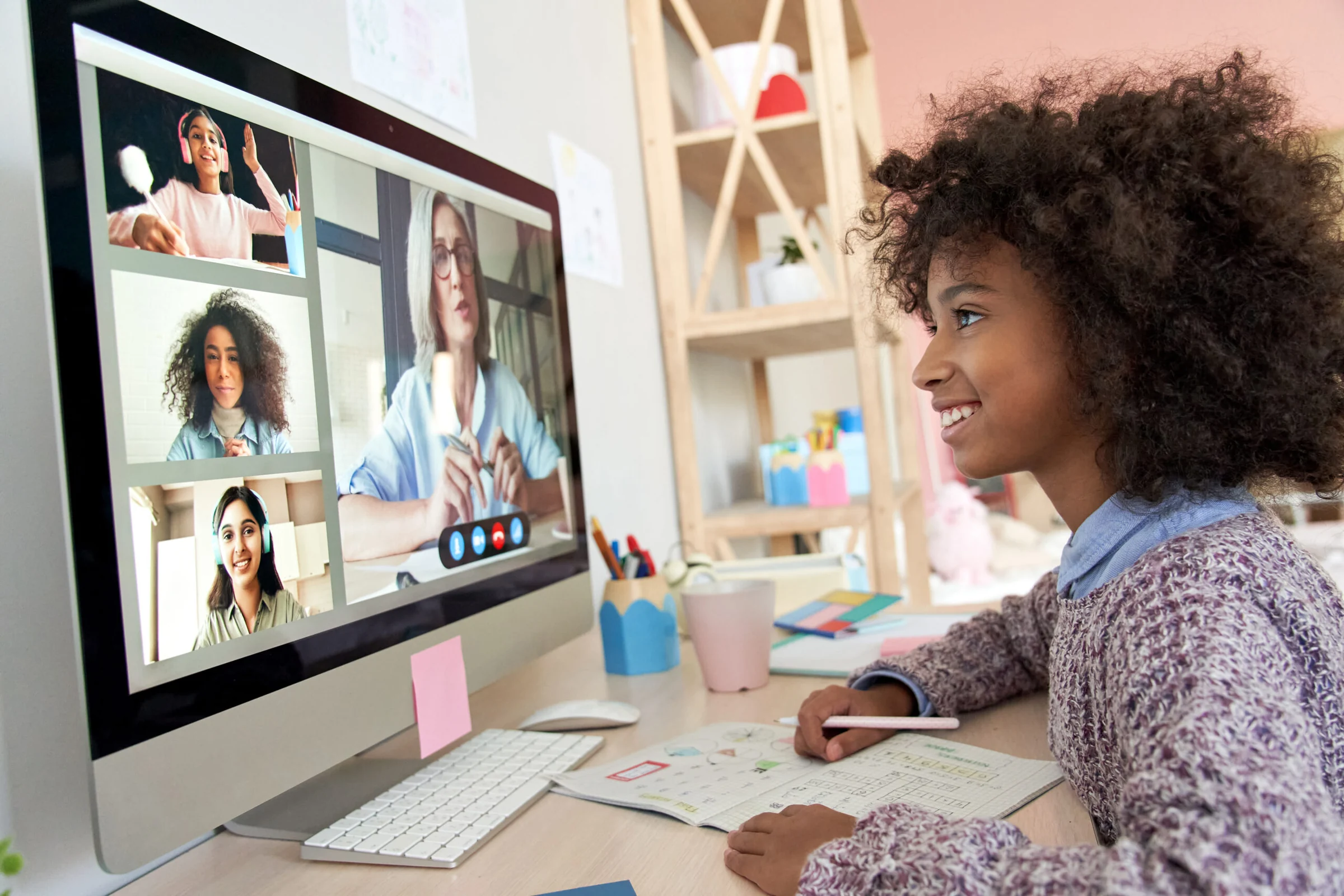
Many parents feel a quiet tension about online school. On one hand, live classes can give children real teachers, real classmates and a structured day. On the other hand, everyone has heard that too much screen time isn't good for young children. So how do you make peace between the two?
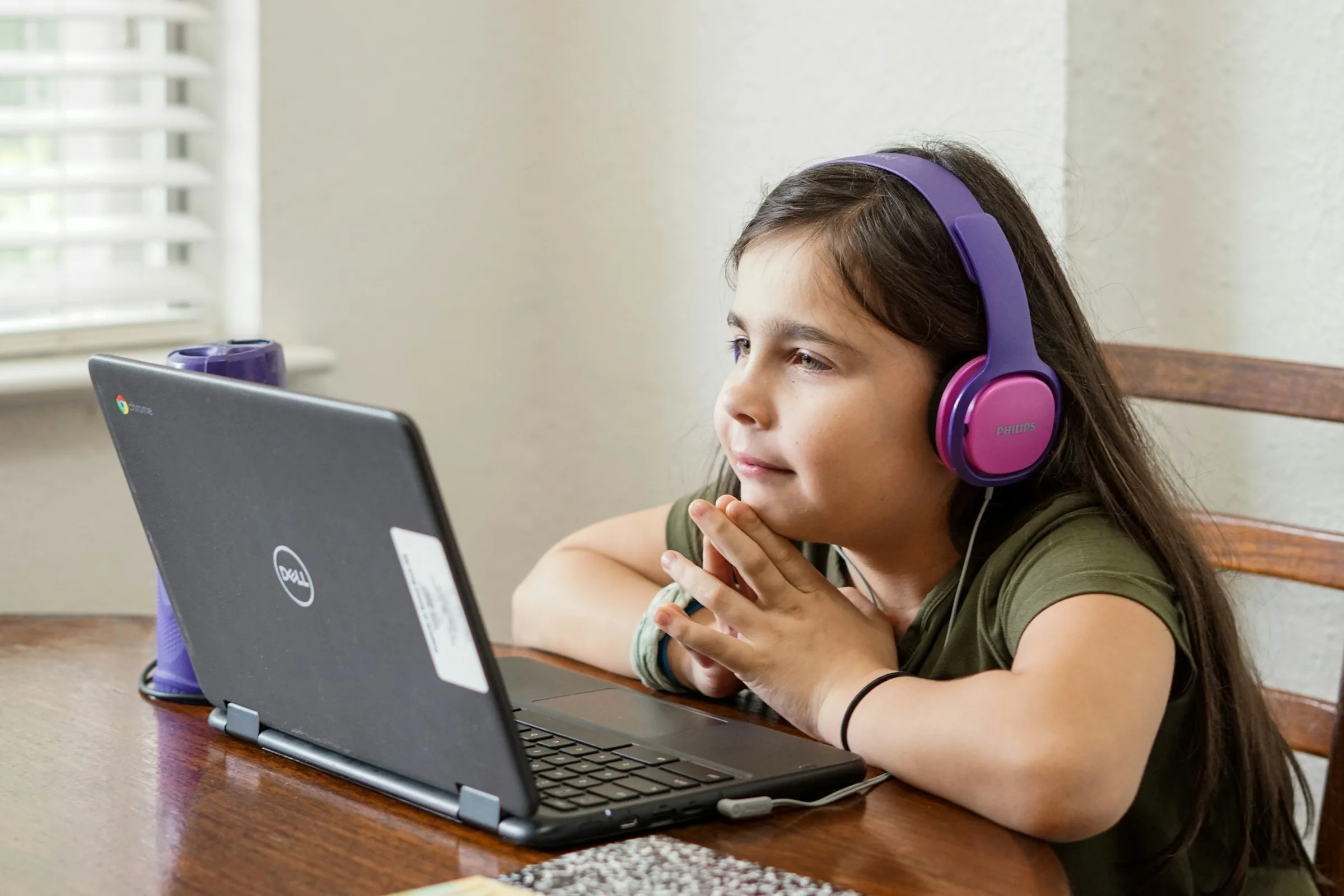
The good news is that not all screen time is the same. A child talking with a teacher, answering questions and working through a lesson is doing something very different from a child scrolling short videos alone. The goal isn't to count every minute. It's to make sure screens serve your child's growth, and that the rest of the day still has plenty of movement, play, sleep and real conversation.
Not all screen time is equal
A helpful way to think about it is to ask three questions about any screen activity:
- Is my child active or passive? Answering, creating, reading and solving are active; watching autoplay videos is usually passive.
- Is it connected or alone? Learning with a teacher, classmates or a parent nearby is different from isolated, endless content.
- Does it have a natural end? A lesson finishes; an endless feed is designed not to.
A live class usually scores well on all three. That doesn't make it unlimited, but it does mean you can relax about the screen being on during school time and focus your energy on what happens around it.
Make the device a school tool
Children understand categories. If the laptop or tablet is clearly “the school computer,” it becomes easier to set limits on everything else. Some families keep the school device for school only and use a different one, or none, for entertainment. Others simply use a different profile or account for lessons. Either way, a clear purpose reduces arguments.
Protect the three big things: sleep, movement and play
Instead of worrying only about how many minutes your child spends on a screen, check whether the essentials are protected. If your child is sleeping enough, moving every day and getting time for free play, screens are much less likely to crowd out healthy development.
- Sleep: turn screens off well before bedtime and keep devices out of the bedroom overnight.
- Movement: plan active breaks between lessons and real outdoor time every day the weather allows.
- Play: leave unscheduled time for building, drawing, pretend play and simply being bored, which is where a lot of creativity begins.
Use breaks wisely
It's tempting to fill the gap between lessons with a quick show. But a screen break between screen lessons doesn't give eyes or brains much rest. Try “off-screen breaks” instead: a snack at the table, a dance song, stretching, feeding the pet, or stepping outside for five minutes. Children often come back to the next lesson calmer and more focused.
Take care of eyes and posture
A few simple habits make long learning days more comfortable. Position the screen at about arm's length, with the top of the screen near eye level. Make sure the room is well lit and the screen isn't reflecting a bright window. Remind your child to look away from the screen now and then, at something far away, and to blink. A chair and table at the right height help too; a firm cushion or a footrest can make an adult chair fit a small child.
If your child often rubs their eyes, complains of headaches or squints, mention it to your pediatrician or eye doctor. These are common and usually simple to address, but they're worth checking.
Be the screen coach, not the screen police
Children learn more from what we do than from what we say. If phones come out at every pause, children notice. Try simple family agreements that apply to everyone, such as no phones at the dinner table, or screens off during family reading time. Talk about why: “We put phones away at dinner so we can really hear each other.”
As children grow, involve them in the rules. Ask what they think a fair amount of free screen time is, and what should come first (homework, chores, outdoor play). Children are more likely to follow rules they helped make.
Keep online learning safe
Online school should happen in a protected space. Use the school's own portal and links, keep passwords private, and teach your child never to share personal information or click unexpected links. For young children, a grown-up nearby during class is a simple and effective safety step. Parental controls on devices can also limit apps and websites outside school time.
Watch your child, not the clock
Every child is different. Instead of focusing only on a number, notice how your child is doing. Signs that screens may be taking up too much space include trouble falling asleep, irritability when devices are put away, losing interest in other activities, or skipping time with friends and family. Signs that things are going well include a child who is curious, sleeps well, plays actively and can put the device down without a meltdown.
The balance is possible
Online school doesn't have to mean a screen-filled childhood. With a clear role for the device, protected time for sleep, movement and play, and a few family habits, children can enjoy the benefits of live online learning and still have days full of real-world experiences.
If you're considering online school for your child, it's worth asking any school how long lessons are, how breaks are built in, and how much of the day is live interaction versus independent screen work. Those answers tell you a lot about how screen time will really feel at home.